Block Blast Solver
Upload a screenshot or fill the board to find your next moves.
Clear screenshots may match the board and all three pieces for an automatic solve. Otherwise, review the board and choose or draw each piece.
Adjust screenshot detection
Game screenshot examples
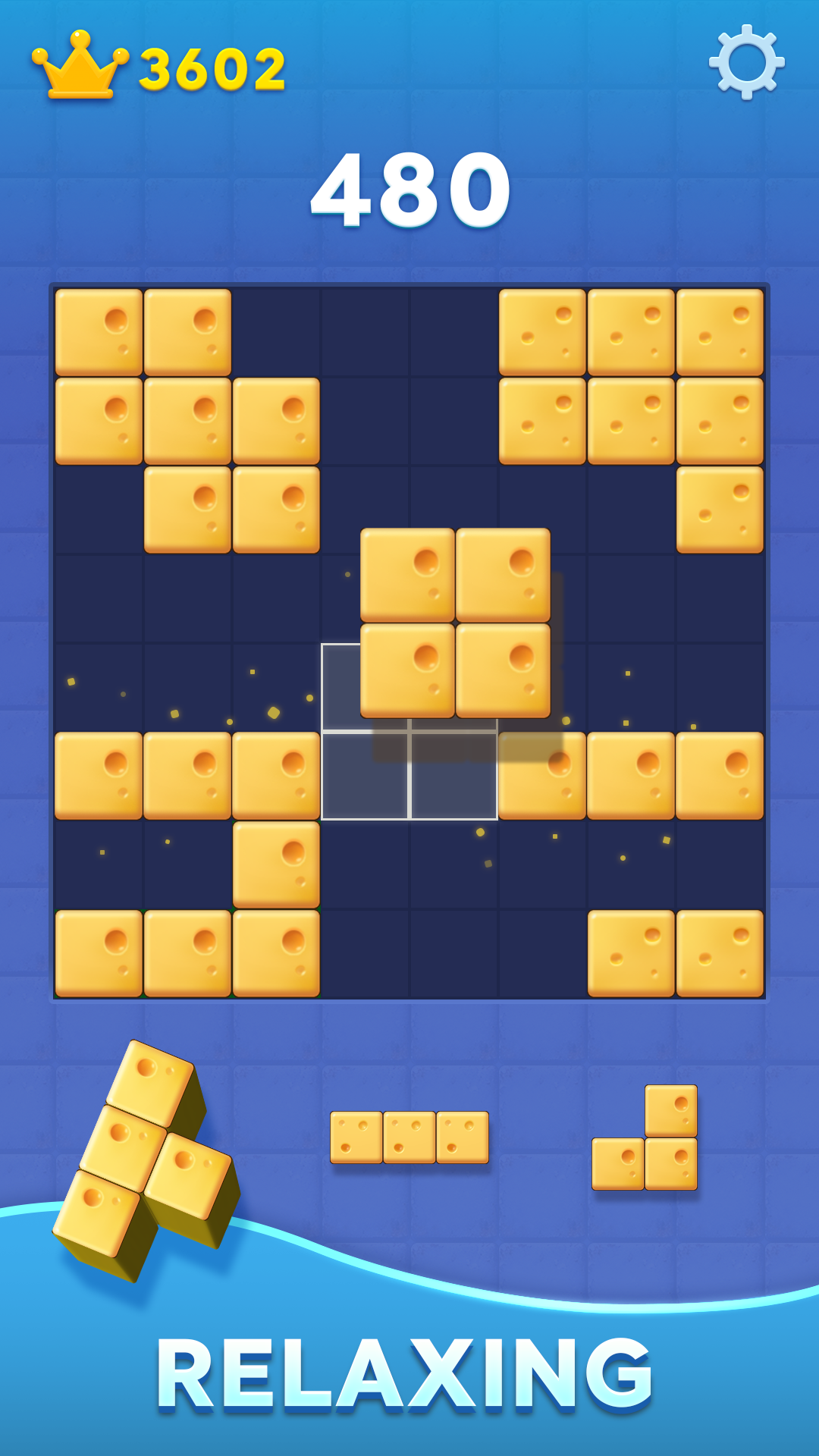
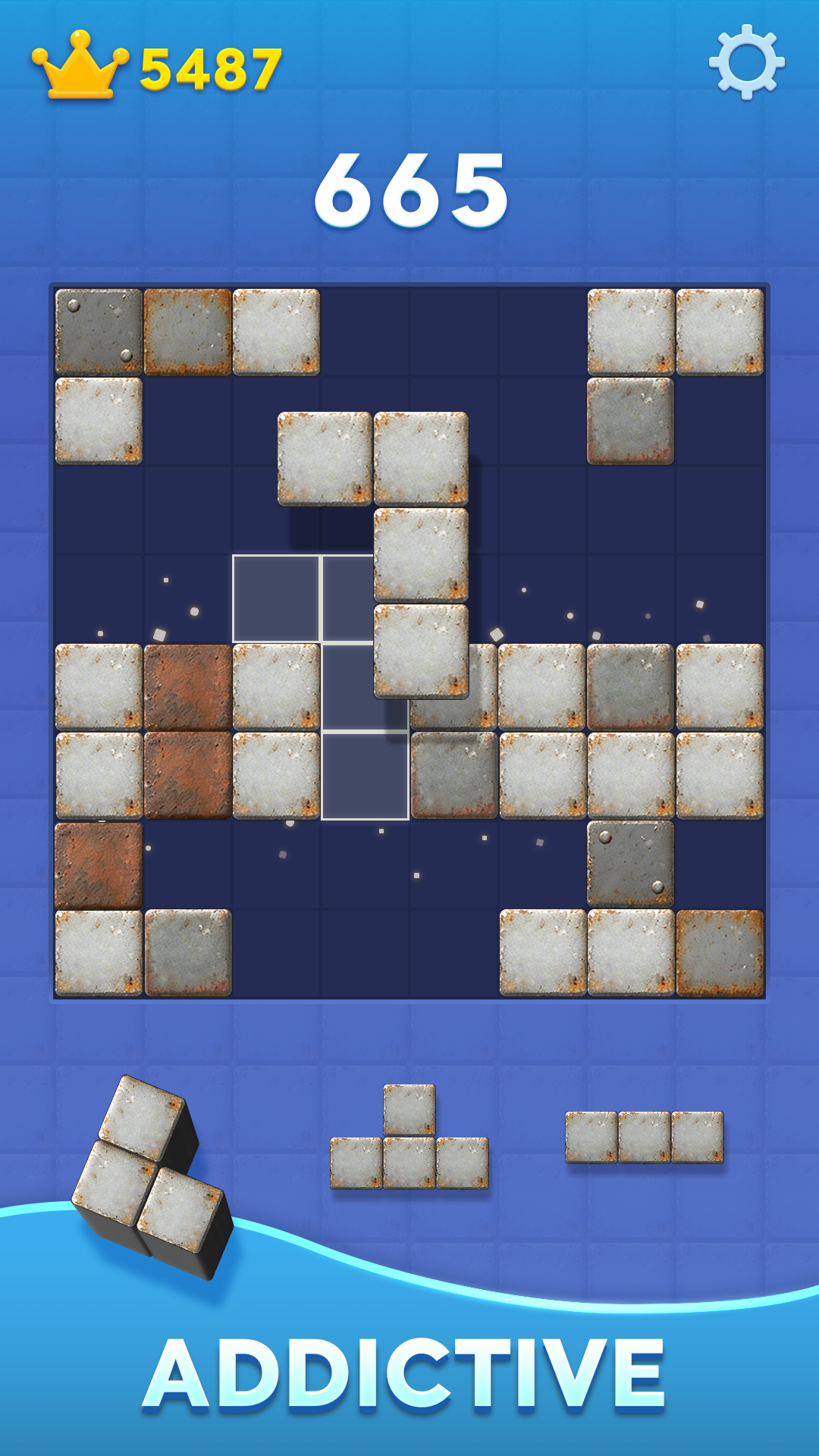
Official game previews · HungryStudio / Google Play
Try a solver demo board
Tap squares to mark occupied cells. Row and column shortcuts can fill or clear a complete line.
Board to solve
Row and column shortcuts
Next three pieces
Choose a preset or draw each piece. Check the suggested shapes against the game board; use the screenshot preview when available. Pieces cannot rotate.
Choose a screenshot or set up the board manually to get started.
What is Block Blast Solver?
Block Blast Solver is a free planning tool for puzzle enthusiasts. Upload a clear board image to let local detection suggest the board and three pieces. Review every cell and shape before using the recommendations. The solver compares legal placements and line clears with a board-space heuristic. Its recommendations are suggestions and do not guarantee a particular score.Video Game Cheats & Hints
Screenshot Board Review
Local image detection can suggest the board and three piece shapes when the screenshot is clear. Review the grid and shapes, or choose or draw them when they are uncertain.
Advanced Solving Algorithm
Checks legal placements and row or column clears, then ranks complete sequences with a board-space heuristic.
Lightning-Fast Results
Review each suggested placement and the lines it clears.
How to Use Block Blast Solver
Upload a screenshot for a local board and piece suggestion, or fill the board manually.
Screenshot Mode
Upload Your Screenshot
Simply drag and drop or click to upload a screenshot of your Block Blast puzzle.
Review the Board and Pieces
Confirm the editable grid and the three detected shapes against the original image. Select or draw any shape the detector could not confirm.
Review Move Suggestions
Solve to compare a complete sequence of legal placements and line clears.
Manual Fill
Build Your Board
Use the 8×8 board to mark occupied cells. Row and column shortcuts fill or clear a complete line.
Select Your Pieces
Pick the 3 active blocks given in your game to match your current move choices.
Compare Move Sequences
Review the solver’s ranked sequences and choose whether a recommendation fits your board.
See the Setup Flow
See how to capture a board, review detected cells, and inspect move suggestions.
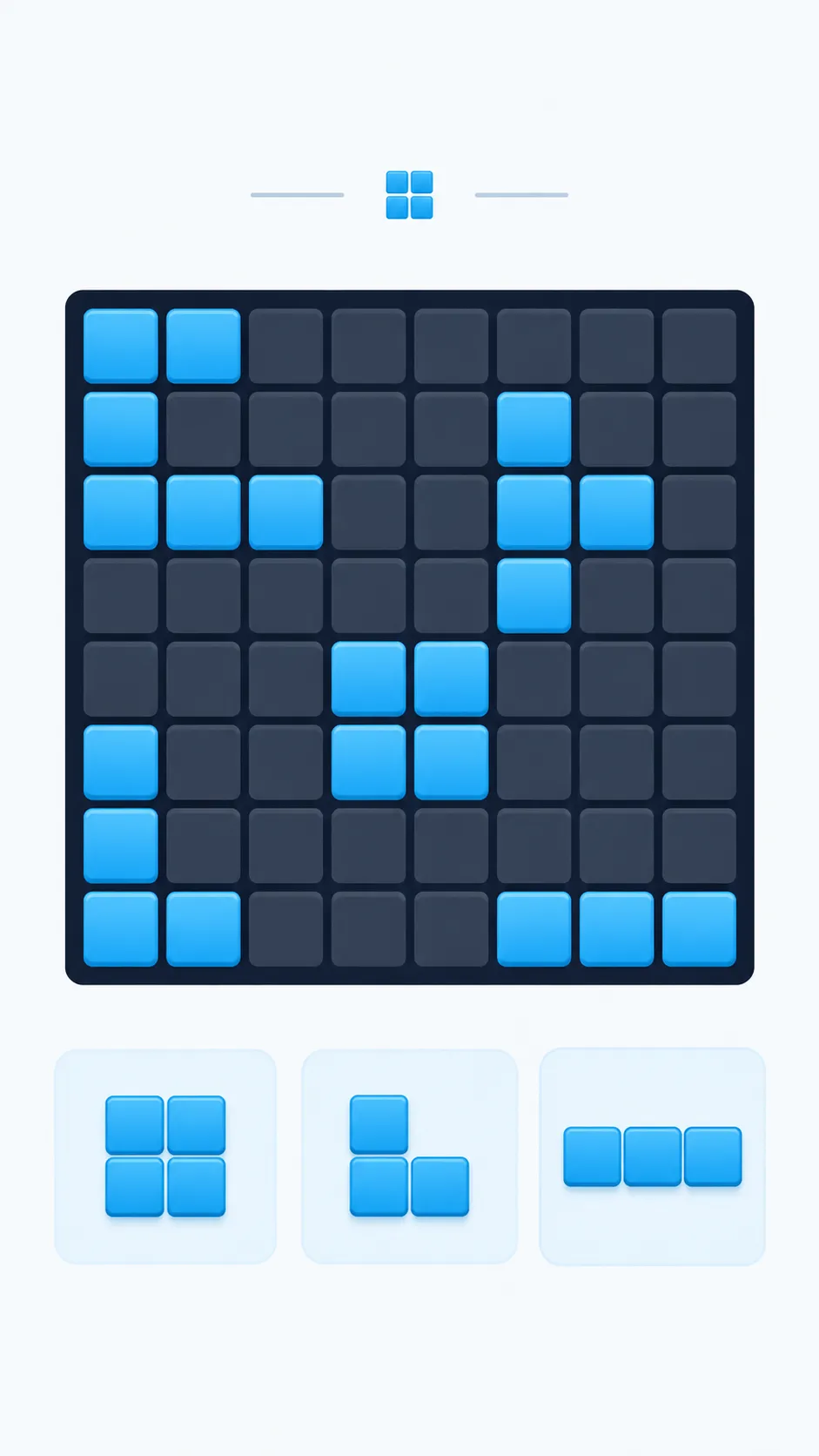
Capture your current in-game puzzle board
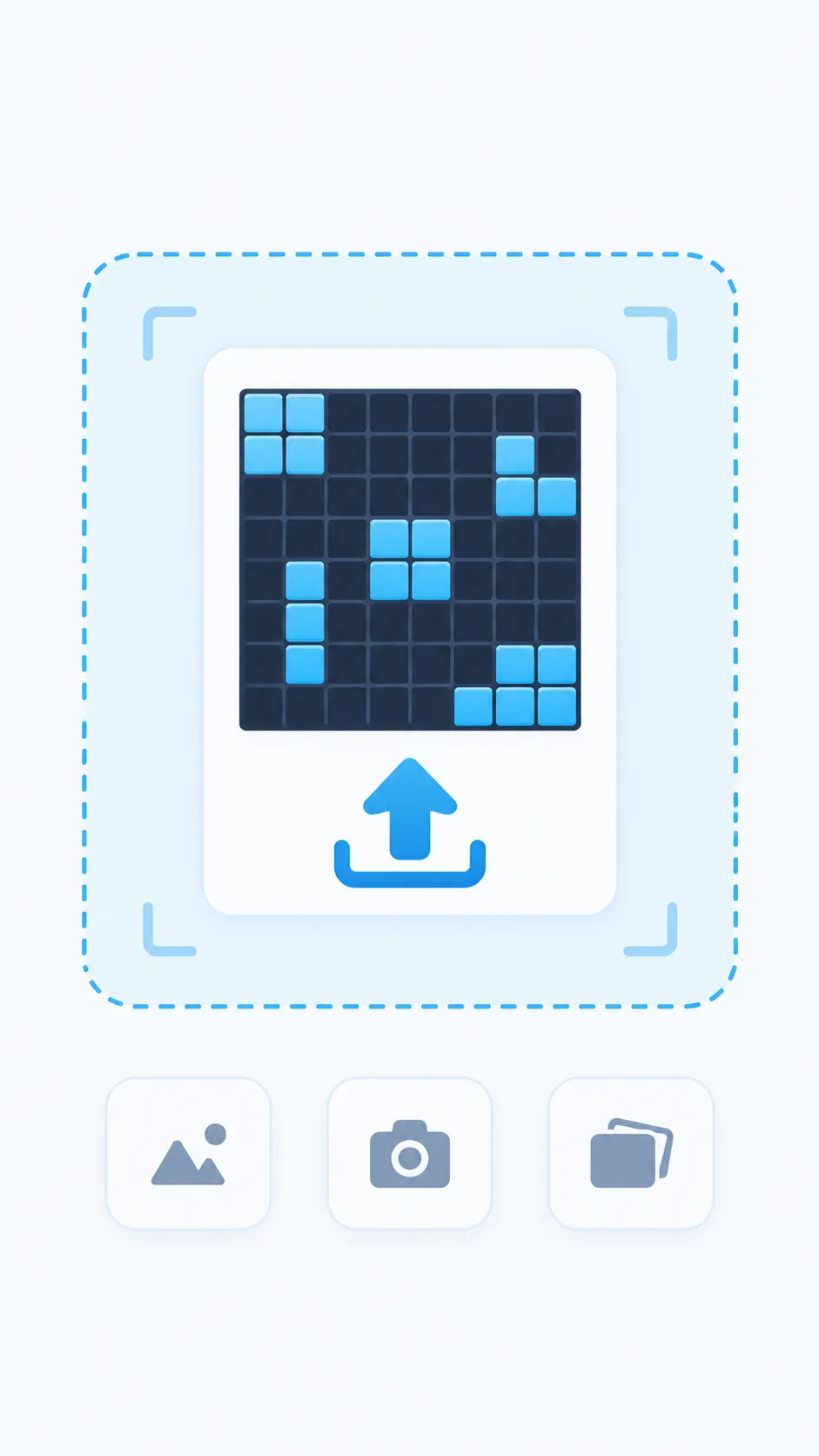
Upload image directly into the solver
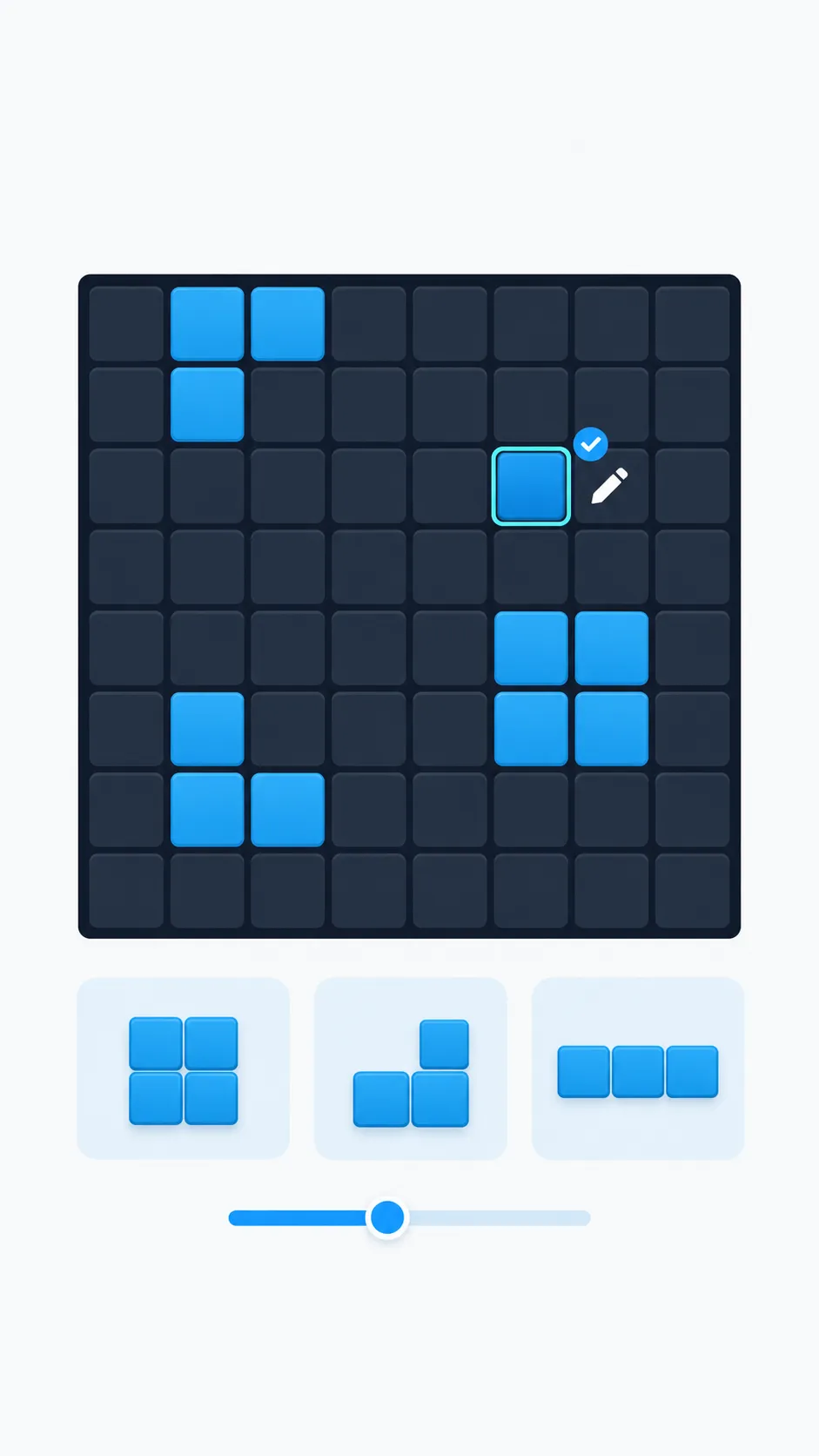
Inspect 8×8 grid & tap to fine-tune squares
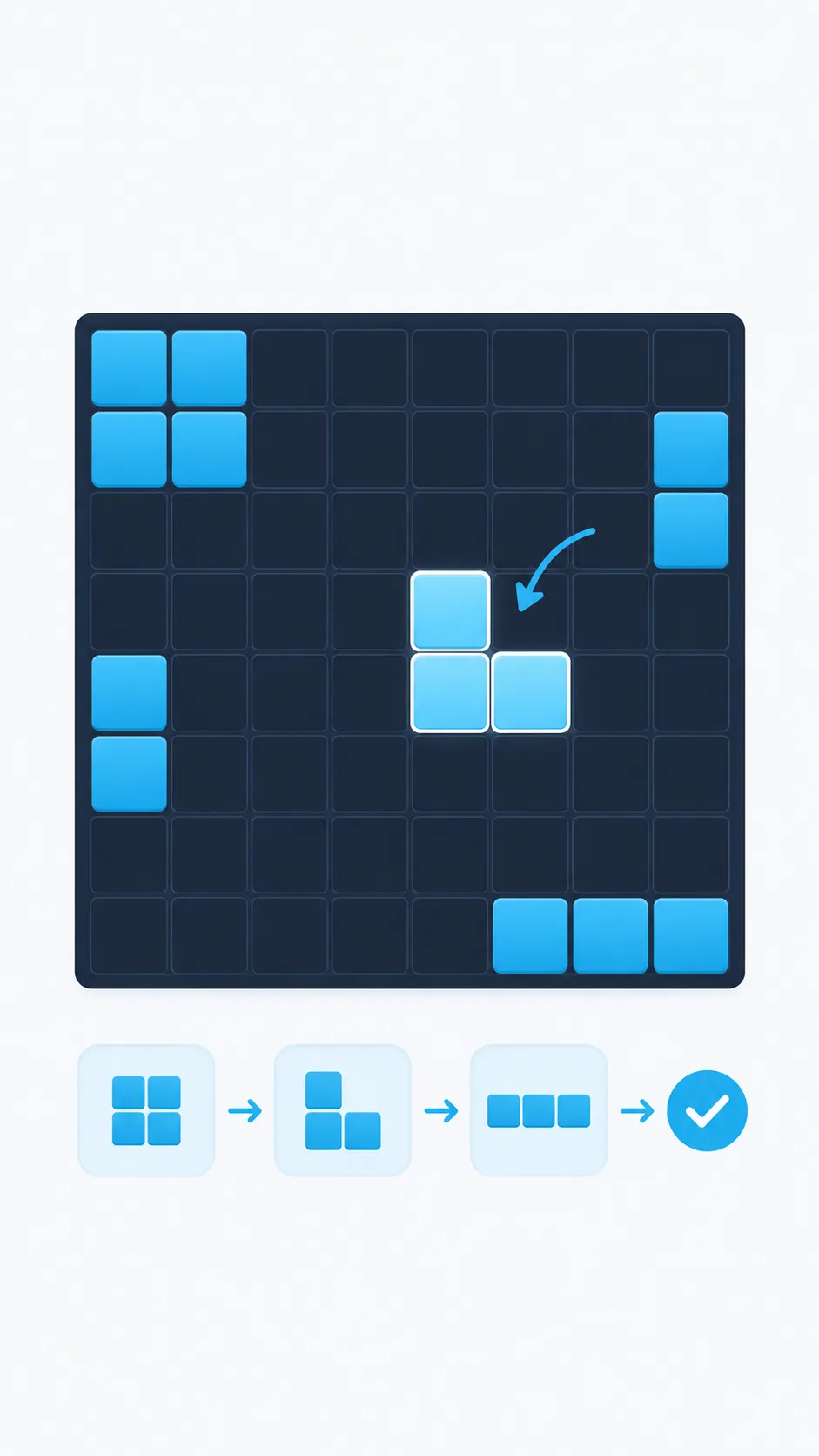
Follow recommended sequence & clear lines
How the Game Works
Understand the fundamental board rules, spawn constraints, and clearing mechanisms that govern every game.
8×8 Fixed Grid
The board consists of 64 discrete squares. Without gravity or falling tiles, space conservation in both horizontal and vertical lanes is required to prevent gridlock.
3 Pieces at a Time
Pieces arrive in batches of three. You must legally place all three blocks before receiving a new trio. Planning ahead for the whole trio prevents sudden game overs.
Zero Block Rotation
Unlike Tetris, blocks cannot be rotated or flipped. Each shape retains its fixed orientation, requiring strategic preservation of exact pocket dimensions.
Dual-Direction Clears
Completed rows and columns clear from the board. A placement can clear both directions when it completes a row and a column.
Plan for the Next Three Pieces
Keep useful placements open while accounting for every piece in the current group of three.
Protect Open Lanes
Avoid filling the only continuous route where a long 5-bar or 4-bar can fit. Always keep at least one column or row near empty for emergency clearance.
Place Awkward Pieces Early
Large shapes like 3×3 squares have the fewest legal placements. Plan and position them early while the board is wide open before space tightens.
Plan Around Both Directions
Rows and columns both clear. Look for placement intersections where a single block triggers a simultaneous horizontal and vertical double clear.
Keep Connected Space
Scattered single-cell gaps can block useful multi-block shapes even when much of the board looks empty. Group occupied cells together compactly.
Check the Whole Trio
Never evaluate a move in isolation. A placement that clears a line but leaves zero legal spots for your third piece will immediately trigger game over.
Look for Useful Clears
A completed row or column creates more open cells for later placements. Consider which spaces remain after each clear.
Frequently Asked Questions
Learn how screenshot review, manual setup, and move recommendations work.
Why should I review screenshot recognition?
When the board grid and three piece shapes are clear, local image detection can suggest all of them. Colors, glare, animation, or low resolution can still lead to missed cells or shapes. Compare the editable board and pieces with your screenshot before solving.
What if screenshot recognition cannot confirm all three pieces?
Review the board estimate, then choose a preset or draw each piece yourself. The solver only uses piece shapes that you confirm or that the local detector matches clearly.
Is using a Block Blast solver cheating?
That depends on how you want to play. Use the suggested sequence as a learning aid, or make your own choices.
Does this solver work on a phone?
Yes. The board and controls fit narrow screens, and the grid supports keyboard navigation on devices with a keyboard.
Do I need an account to solve a board?
No account or signup is required.
Is the Block Blast Solver free?
Yes. The solver is free to use.